Lesson 297 · 3 min
Making a picture from a description
An image generator draws from your words, so describing the subject, setting, style and mood clearly gets you much closer to what you pictured.
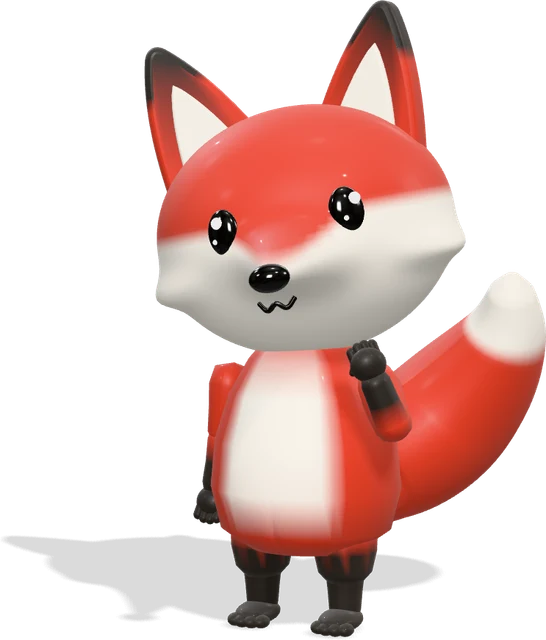
Image generators start from random noise and slowly shape it into a picture that matches your words. Short prompts such as "a cat" give generic results. Specific prompts give you something that feels yours.
A simple recipe helps: who or what is in the picture, where it is, what style it has, and the feeling or light. For example: "a small red fox reading a book under a mango tree, watercolour style, soft morning light."
Expect a few rounds. Change one thing at a time so you know what made the difference. Hands, text and the exact number of objects are still common weak spots.
Keep it fair. Do not make realistic images of real people doing things they never did, and check the tool's rules before using a picture for a business.
Do it now
Build a picture in four parts
- 1. Write one line each for subject, setting, style and mood.
- 2. Ask a chatbot to turn them into an image prompt with the prompt below.
- 3. Generate the image, then change only one part and generate again.
Turn these notes into one clear image prompt. Subject: [ ]. Setting: [ ]. Style: [ ]. Mood and light: [ ]. Keep it under 40 words and avoid any real people or brand names.
Quick check
Keep going
Next →Event cards and posters with AIWords from this lesson
- Image generation
- Creating pictures from a written description, using AI trained on very large collections of images and captions.
- Diffusion model
- A type of AI that makes images or video by starting from random noise and cleaning it up step by step.
- Prompt
- The instruction or question you give an AI. Clearer prompts with context usually get much better answers.